

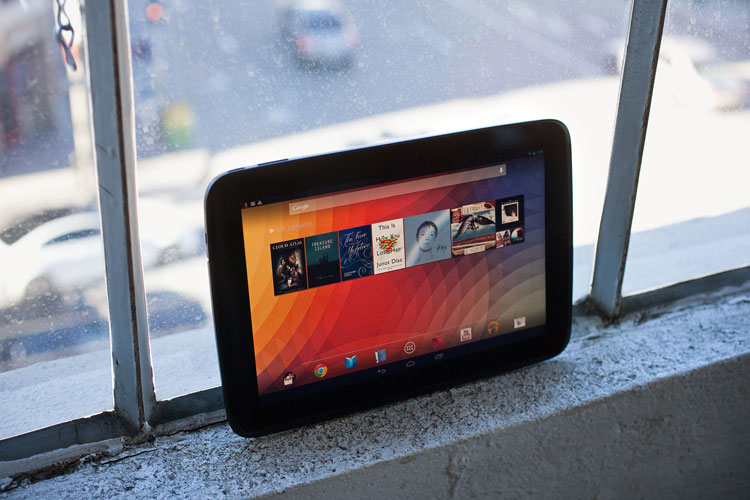
Nexus 10: Google’s flagship tablet device was plagued by a myriad of both logistical and software problems at launch.
But, now that the devices are actually shipping and the bug fixing 4.2.2 release of Android has gone out, has got any better?
The Box
The device comes packaged in a way which should be familiar to previous Nexus buyers: the tablet at the top of the box, with accessories below it.
The tablet comes with the usual set of accessories:
- Charger
- USB Cable
- Manuals
Just like with other devices in the Nexus series, headphones are not included.
The Hardware
What stands out about the display …is the beyond-high-definition 2560×1600 display. It looks gorgeous.
The tablet is, as the name suggests, 10 inches across. What stands out about the display however is the beyond high definition, 2560×1600 display. It looks gorgeous. At 300ppi, this is quite a bit above the latest ‘Retina’ iPad, which clocks on at 264ppi. Even just admiring the display is a pleasure. Apart from the high density, the display is quite legible even at low brightness, but it can get quite bright. Its also got excellent viewing angles.
Another thing which differentiates the Nexus 10 from the rest are its’ front facing speakers, something very rarely found on mobile devices. While they sound just the tiniest bit flat when listening to music, they sound much clearer than back facing speakers on any mobile device, which is always a nice feature for those of us who are a bit hard of hearing. This makes them great for listening to YouTube videos and the like.
Apart from the above, the front of the tablet also features a multicolour notification light on the centre bottom and a light sensor and a 1.9MP/720p camera for video chatting. The light sensor is indeed quite sensitive, and in my opinion the displays brightness tends to change quite steeply even though there isn’t much change in light around the tablet, so I usually keep the brightness set to around 10-15%.
The front facing camera is great. It records a sufficient amount of detail for video chatting, that’s for sure. However, there are some funny software quirks with Hangouts on Android. For example, when setting up a test call, the person who I was calling wasn’t receiving my calls. There’s also the confusion with two chat apps: Google+ Messenger and Google Talk. The large screen also tends to have some hit on the battery life during video calls, but more on that later.
Around the sides you’ll find:
- Headphone jack
- Micro USB port
- Mini HDMI port
- Power button
All are positioned conveniently so as to be easy to access and not interfere with your usage. At the bottom there’s also a Pogo plug for easier docking.
The back is pretty simple. At the top-centre there’s a 5MP camera with a flash, which is sadly quite disappointing. The pictures are grainy and the colours are a little bit off, and unless you hold the tablet perfectly still they smudge.
But then again, why would you be taking pictures with a tablet?

The tablet also has some NFC capabilities, which do a good job at communicating with other NFC enabled devices. Android Beam allows you to send pictures, contacts, webpages as well as app content for NFC enabled apps. So far, there’s no support for sending files*[unless using an app, none of which I could get to work reliably]. You can also communicate with smart phones other than Android, although to a lesser extent.
The tablet itself has a glass front, with a soft touch plastic covering the sides and the back. Even though it feels nice to hold, it is a problem. Unless you’re leaning it on something, you will find that the tablet slips down your hands pretty quickly. However, applying a case fixes this problem, and its probably something you’d want to do anyway considering the tablet has no kickstand of any kind, which is really essential when using a tablet. I recommend the Poetic SLIMLINE Portfolio Case.
I find the battery life to be reliable…
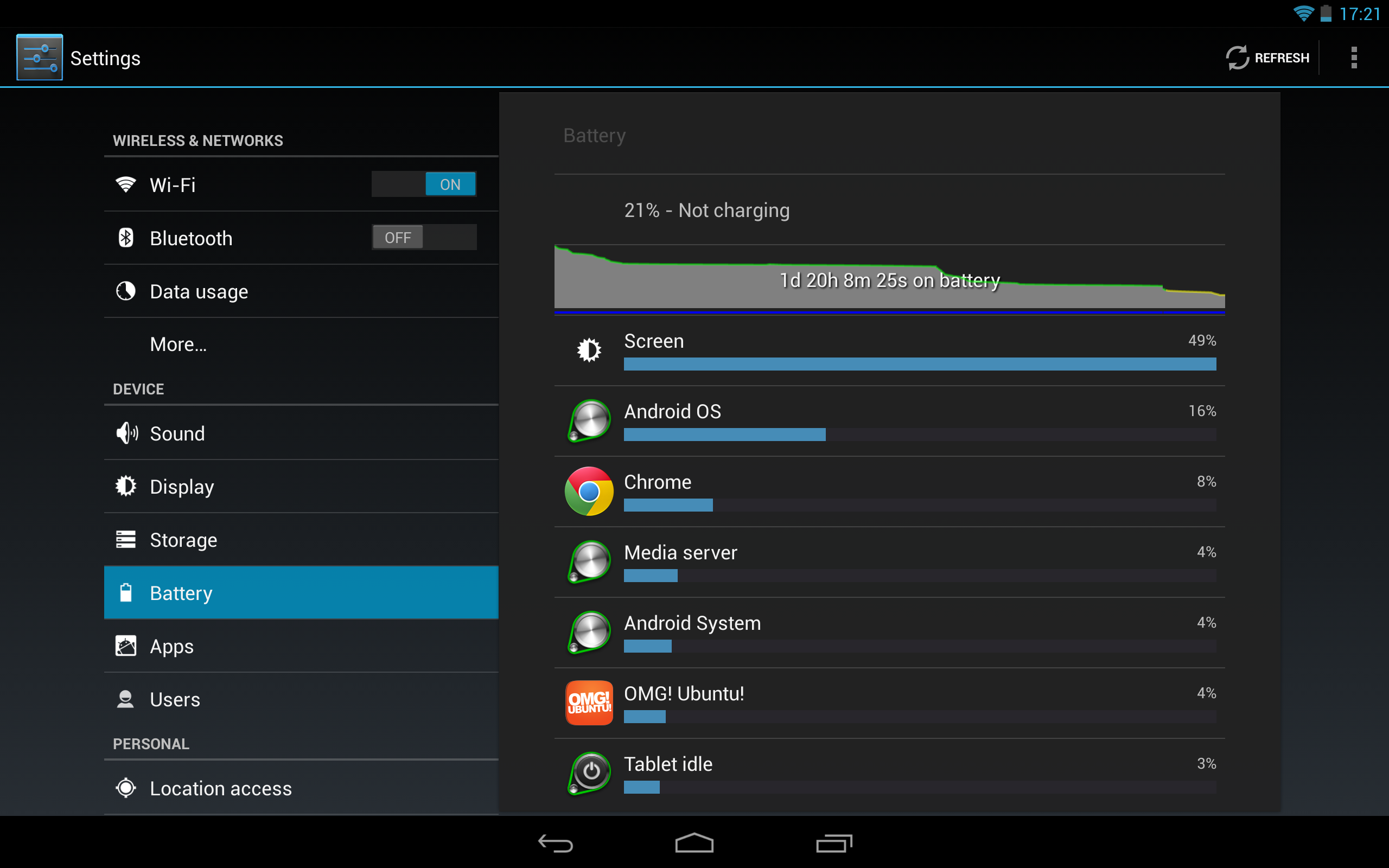
I’ve found the battery life to be reliable. It gets me through the week, when I use it for email, Twitter, YouTube etc. During the weekend when I use it to play 3D games, the battery still lasts the day. While I haven’t personally done extensive battery testing, tests done by various technology websites around the web indicate that the battery length of the tablet is below average, falling with the likes of cheaper tablet manufacturers like Archos. However, this is understandable considering the high resolution display and it’s the main trade off you’ll have to make if you want a really nice display.
You want my advice? If you’re only going to be taking your tablet on a rare trip out, and most of the time you’re going to be using it around the house, you can quit worrying about the battery life. It’s good enough.
Software
As far as the software goes, this is a solid product, but software is where it really gets interesting.
Even though Android is an excellent operating system on smartphones, and Google have done an excellent job of up scaling the interface while keeping it consistent across screen sizes, it still retains the one feature that is persistent across all smartphones: you only do one thing at a time.
Unlike the the recently announced Ubuntu Tablet OS you can’t pull in a smaller window from the side, never mind having a full desktop environment like on Windows RT. This severely lessens its usefulness as a productive device. It’s great at one thing at a time. While I was never counting on it to become a replacement for my laptop, it’s still quite disappointing how limited its productive capabilities are.
Strangely, I’ve come to appreciate this to some extent. Focusing on one thing at a time rather than having multiple windows open with an overload of information on them is actually quite relaxing. The built-in Google Drive office suite is powerful enough for editing documents on the go, and if you need something more powerful than that, there’s also a variety of apps on Google Play that you can choose from, like the excellent Catch note taking app or Kingston office suite.
On the entertainment side, things are looking much brighter. As previously described in the review, the hardware is great for entertainment, and the apps only add to that. The Google Play framework is excellent at keeping content synchronised across all of your devices, and the Nexus 10 makes a great job of displaying your content. Books, magazines and films all look crisp and vivid.
There isn’t a shortage of games either. While not all are optimised for the Nexus 10, Google specifically selects those apps and games that looks great on tablets, so finding the right apps isn’t a problem. There are definitely more tablet optimised apps across all categories than people seem to think. Most phone apps also look fair on the 10 inch screen. They tend to turn the tablet portrait, but that’s still a better method than the iPad’s silly scaling of apps.
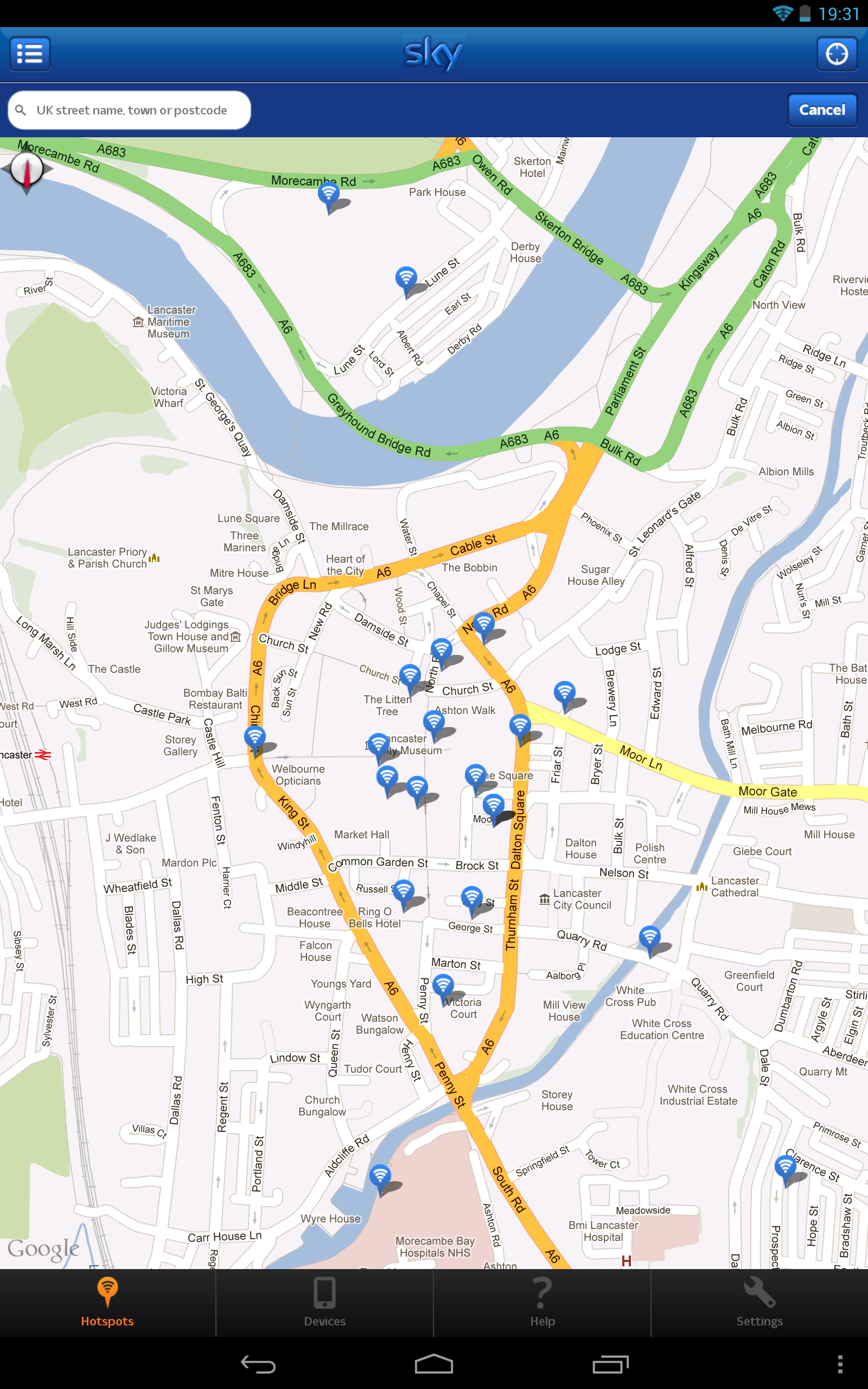
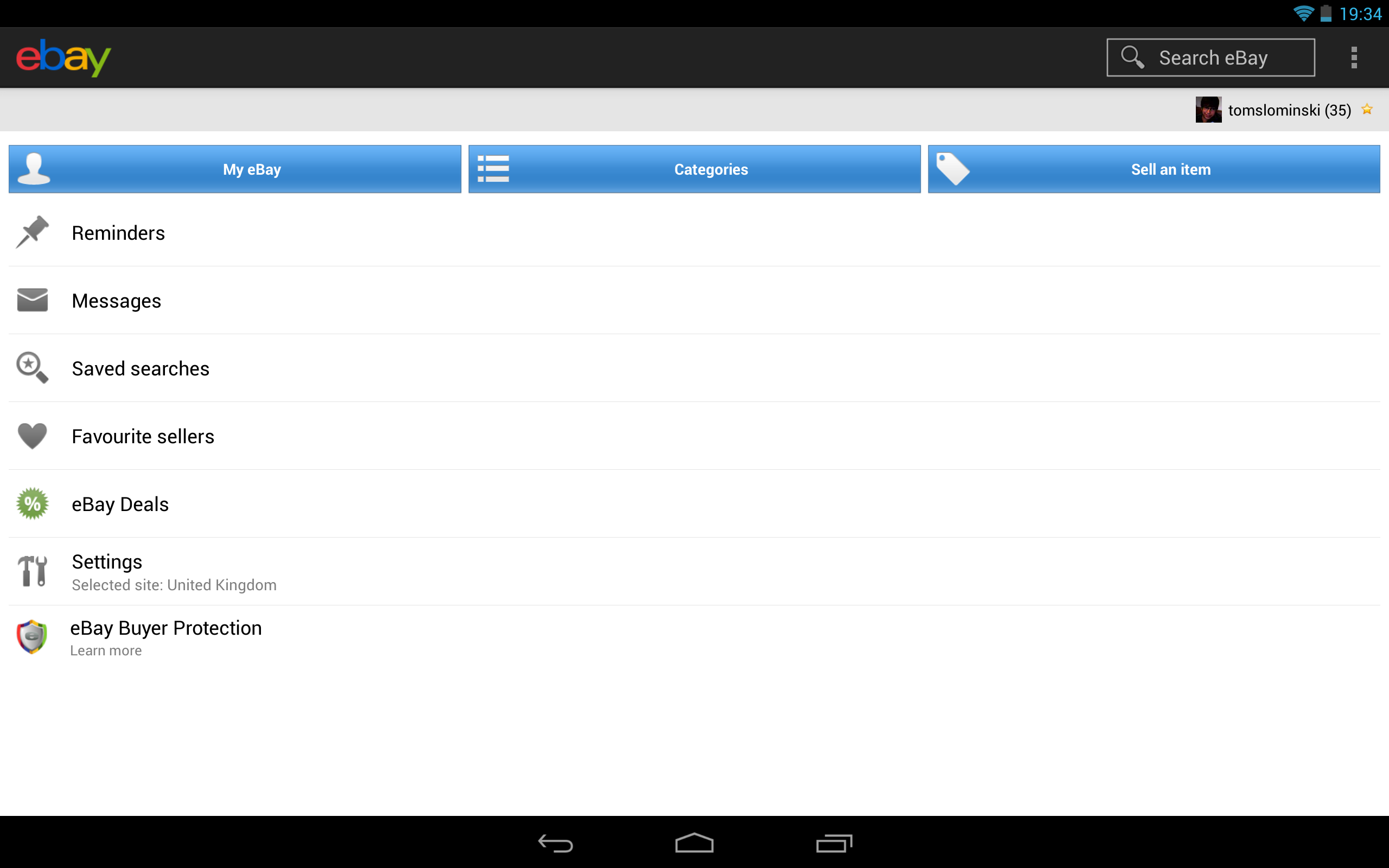
However, it’s important to say that most phone apps only expect to display pictures up to around 720p, so like in the screenshot of the Etsy app below, that can cause some problems.

Performance
The performance is another strong point of this device. It flies through the interface and multitasking applications, as well as high quality games like Cordy 2, Minecraft and Dead Trigger. Once again, the high resolution display makes the content look great. Updating the apps takes mere seconds. There is seriously very little I can complain about when it comes to the performance of this tablet. The only issue I’ve found is with Google Earth, which tends to lag heavily when displaying high quality images, which pretty much defeats the purpose of this tablet. However, it seems to be more software related than hardware related. Despite not having a Tegra 4 processor, which enables extra details in select games, its performance is still up there with the flagship phones, coming 7th on the global list of devices as measured by the popular AnTuTu Benchmark.
At the beginning of the review I mentioned that the 4.2.2 update to Android was meant to fix all sorts of little bugs. Well, has it? Not exactly. My tablet still tends to reboot randomly, however much less often than it did before the update. Even though this is a pretty serious problem, it’s the only one I have experienced repeatedly. Otherwise the software experience on this tablet is flawless, just like on other Nexus devices. It’s clear that Google is putting a great deal of effort into making devices that will be great for the customers, not just the company bank accounts.
Conclusion
Overall, this is a great entertainment tablet. Music, videos, books, games: you name it, they’ve got it. It’s a joy to use, and it’s definitely one of the best tablets out there. However, it’s much less efficient when it comes to productivity. Even though Android is constantly improving in this area, until features like side by side windows get brought over from PC’s, no tablet is going to be a great productivity device. They are just too simple.
What’s interesting is how handy a bigger phone-like device comes in around the house. Its simplicity is also a good thing. It’s very convenient for showing documents and videos to your family, displaying recipes on it in the kitchen or using it as another screen next to my laptop.
Even though it might not be the perfect device, it’s still pretty awesome to have around.